
Description
Access the official download link at https://www.microsoft.com/en-us/evalcenter/evaluate-windows-server and follow these instructions to upgrade from the Evaluation Version to the Full Version of Windows Server 2022 Standard using the DISM command:
-
Open CMD (Command Prompt) as Administrator
-
Check your current system version with:
DISM /Online /Get-CurrentEdition -
Convert to Full Version using the command below:
DISM /online /Set-Edition:ServerStandard /ProductKey:XXXXX-XXXXX-XXXXX-XXXXX-XXXXX /AcceptEula
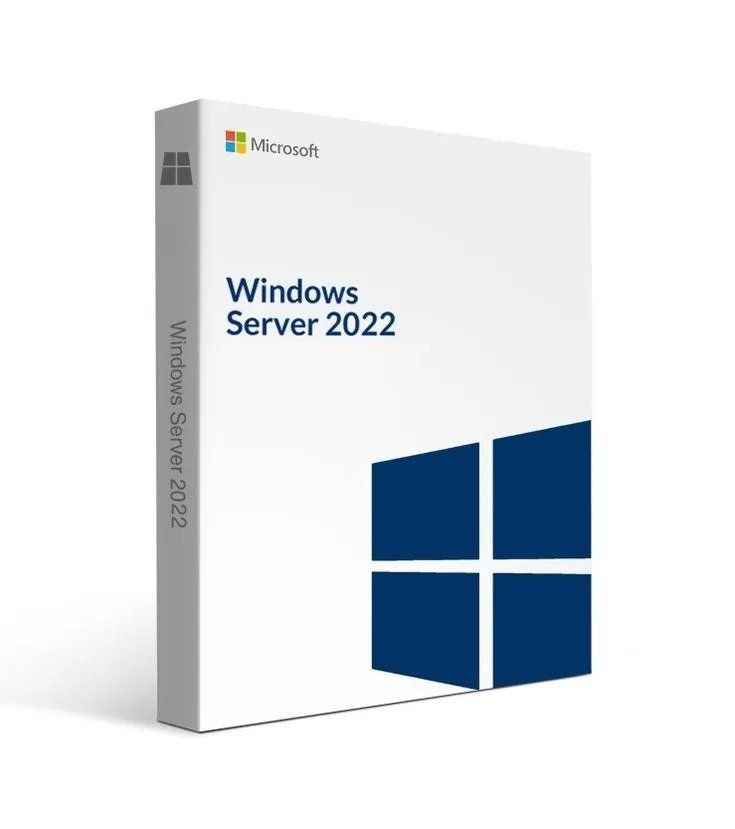
Windows Server 2022 Datacenter is engineered for virtualized data centers and cloud-based environments, offering powerful storage and virtualization capabilities. Equip your organization with high-performance tools and advanced functionality for seamless scalability and reliability.
Key Advantages of Windows Server 2022 Datacenter:
-
Cloud-optimized operating system with robust, modern security
-
Massive scalability supporting up to 48 TB of RAM
-
Advanced management via Windows Admin Center for precise control
-
Trusted Platform Module (TPM) & VBS for strengthened protection
-
Efficient storage migration tools for smooth system upgrades
Key Features:
-
Access the latest version of the Windows Server operating system
-
Improve performance using innovative tools and enhancements
-
Benefit from multi-layered security infrastructure
-
Accelerate storage migration with built-in automation
-
Gain greater system management and control with intuitive tools
Exported using BoatScrape